I won’t waste time describing Minecraft. It holds the title for the best-selling video game ever and has incredible global fame. The franchise has seen several hit spin-offs, and Minecraft Dungeons remains the most talked-about one. But is Minecraft Dungeons crossplay available for everyone? This is a crucial question as players naturally want to team up with friends on different consoles.
The Dungeons takes place in the very same Overworld you know. The adventure begins when Archie, a lonely and outcast Illager, stumbles upon the powerful and strange Orb of Dominance. This corrupts Archie, transforming him into the Arch-Illager. He quickly raises an army and ravages the land. Then subjects innocent villagers to his tyranny. You step in as the hero, directly challenging the Arch-Illager and his huge army of minions. To succeed, you must explore dangerous, randomized levels to find better gear and free the enslaved villagers.
Is Minecraft Dungeons crossplay supported? This query needs solving immediately! I will also cover all those other important concerns that seem to bother every Minecrafter.
Is Minecraft Dungeons Crossplay?
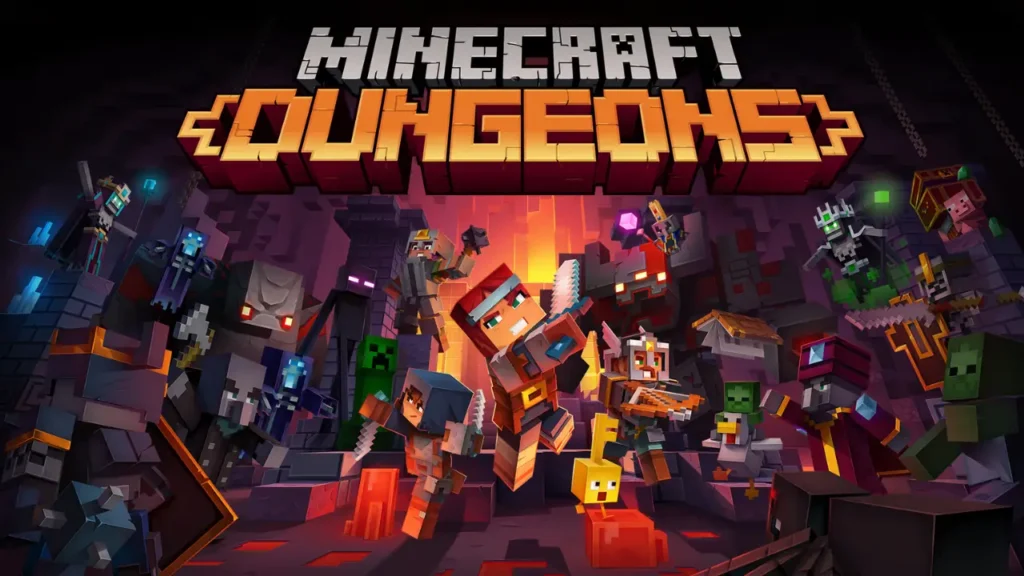
Yes, Minecraft Dungeons features crossplay on every platform that runs it. The creators linked the systems together. They built a single, huge cooperative experience. Go ahead and play with any friend, no matter what machine they have. This feature secures its spot as the best game for friends with different devices.
Minecraft Dungeons crossplay runs on that shared Microsoft account layer. Your account supplies a gamertag that friends can search for inside the game, then invites flow through the in-game friends menu. The system treats Xbox, PC, Switch, and PlayStation owners the same way once that link is in place.
The following platforms fully support Minecraft Dungeons crossplay right now. This unified system allows players on different devices to team up for co-op missions.
- Xbox One / Series X / Series S: Native support plus Game Pass versions, all in the same pool.
- PlayStation 4 / PlayStation 5: Full online feature set with cross-network support once you link a Microsoft account.
- Nintendo Switch: Portable runs with access to the same online pool after sign-in.
- Windows PC (Microsoft Store / Xbox app): Ties directly to your Xbox profile with quick Minecraft Dungeons crossplay invites.
- Windows PC (Steam): Uses the same Microsoft account layer once you link it inside the game.
PlayStation and Switch can send invites but have some limits on receiving them, so often it works best when the owner of those systems is the one that sends the lobby invite. Every console also needs its own online subscription for cross-network sessions, and all players must keep the game set to “online game” instead of “offline game” in the lobby screen.
How to Enable or Disable Minecraft Dungeons Crossplay?
The second your game links to a Microsoft account, crossplay for Minecraft Dungeons starts up. But honestly, figuring out certain screens in the game’s menu still trips people up. A short setup now saves a lot of failed invites later.
1: Launch Minecraft Dungeons on your device.
2: On the main menu, open Settings.
3: Select the Game tab.
4: Choose Configure Cross-Platform Play or Configure Online Play.
5: Select Activate Cross-Platform Play.
6: When asked, sign in with your Microsoft account through the web link shown on screen.
7: Return to the game once the link confirms.
8: Set your lobby to Online Game before you press Start.
On PlayStation you also see a toggle for cross-platform play in that same area, so you can turn it off if you only want same-console lobbies. Other platforms keep cross-platform play active by default, while privacy rules sit inside the Microsoft account page instead of inside the game alone.
Also, read Is LEGO Party Crossplay on Release Day? [Explained!]
Does Minecraft Dungeons Support Cross-Save?
You now know Minecraft Dungeons crossplay is available across current platforms. The game also supports a form of cross-save through its cloud save feature so you can move progress between devices on the same Microsoft account. That system lets you play a run on one platform, upload the hero data, then carry on from that point on another platform.
Cloud saves work through the same Microsoft account that powers crossplay. You choose a hero, upload that save to the cloud on one device, then download it on another one linked to the same account. You still need to own any DLC on each platform if you want to use gear, levels, or missions from that extra content there, so entitlements do not fully transfer even though hero progress does.
Is Minecraft Dungeons Playable Solo or Offline?
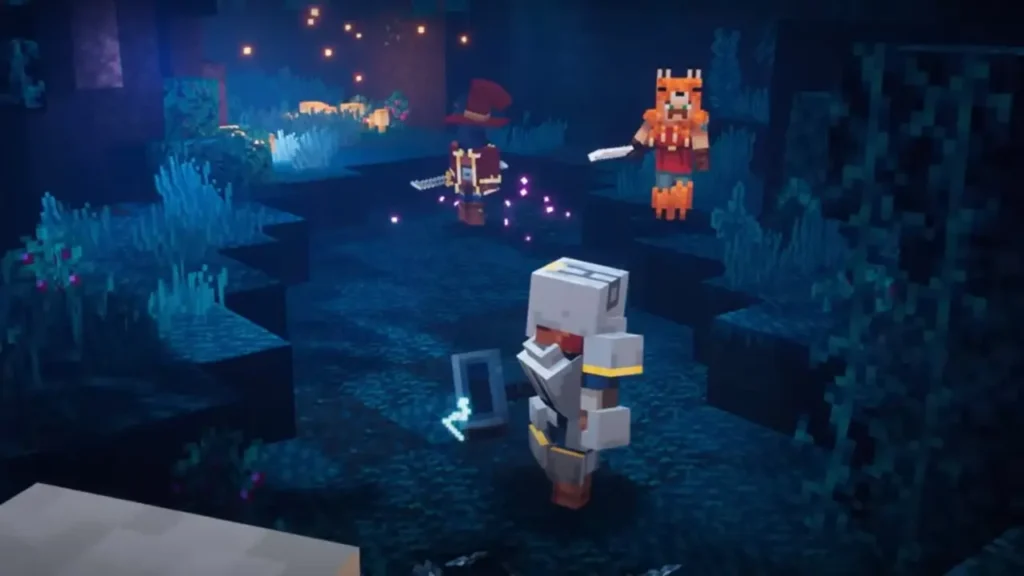
Minecraft Dungeons supports solo runs fully. You can clear every mission on your own without inviting a single friend. You just set the lobby to offline from the camp screen, pick a mission, and play through with your current gear and difficulty level.
Offline play also works fine for local sessions as long as your platform lets you launch the game without a constant online check. You lose access to online lobbies and crossplay while offline. But your progress still saves to the device and syncs to the cloud! It happens later once you sign in again.
Is Minecraft Dungeons Multiplayer, Co-op, or Split-Screen?
Teamwork is fully supported here. This makes Minecraft Dungeons a brilliant cooperative dungeon-crawler. The entire experience boils down to three simple actions:
a. You defeat enemies
b. You gather the loot, and
c. you repeat the action in challenging new levels.
Playing with your crew guarantees maximum fun.
Cooperative play supports up to four players at once. Go ahead and play on the same couch or use the online system to join friends worldwide. Loot is instanced, which is fantastic. This means every player receives their very own gear drop. So, you never have to fight over who claimed the cool new sword or rare piece of armor.
Local split-screen co-op allows four players to join on the same device using separate controllers. The game uses a great shared-screen mode instead of splitting the screen. It keeps the camera zoomed out so you stay close while fighting mobs from your sofa. You all get to play the complete campaign together on the television. This is what makes the game a classic, ideal choice for a fun party at home!
Also, read Is Sonic Racing CrossWorlds Crossplay? (Answered)
Wrapping Up
Done and dusted! Minecraft Dungeons crossplay query is solved! The Arch-Illager doesn’t stand a chance now that you know how to team up with your whole block squad. You grabbed the diamond knowledge. Now go swing your enchanted sword at those creepers and zombies. Make sure you check our other guides too, you may find your favorite game genre there. Go mine that iron, and don’t forget to write us a sign if you have anything to say! We hope you will be back soon!
Frequently Asked Questions
1. Does Minecraft Dungeons crossplay work between Xbox Game Pass for console and PC?
Yes! As long as both installs use the same Microsoft account and have the cross-platform update, Game Pass on console and Game Pass for PC sit in the same mixed pool.
2. Can Minecraft Dungeons crossplay match players from different regions?
Yes! The game can connect players across regions, though latency may increase. There is no separate regional crossplay switch. So grouping with distant friends simply relies on general online performance.
3. Do all players need online subscriptions for Minecraft Dungeons crossplay on consoles?
Yes! Xbox needs Xbox Live Gold or Game Pass Ultimate, PlayStation needs PS Plus, and Switch needs Nintendo Switch Online for any online session, including cross-platform parties.