Lords of the Fallen delivers a serious rush. Taking down towering demonic bosses feels far more rewarding when you team up with friends on other systems, yet many games fail to support that properly. Is Lords of the Fallen crossplay? Since smooth multiplayer depends on systems working together, I am laying out the exact answer you need today.
I have laid out everything you should know, along with details on cross-save, multiplayer, offline play, supported platforms, and more in this guide. You need clarity on how these systems connect before choosing a platform. Connectivity affects how you help others as a lampbearer or challenge rival worlds. We start with the basics below.
Is Lords of the Fallen Crossplay?
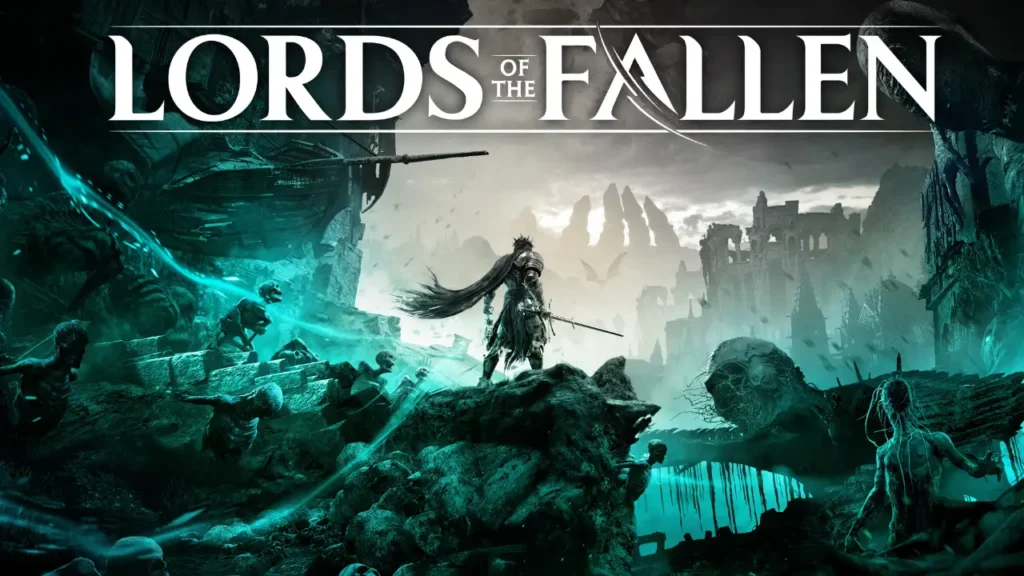
Yes! Lords of the Fallen crossplay is fully supported and built into the core design. The game runs on a shared backend, so you do not need to worry about which system your friends use when grouping up. Every supported platform connects into the same version of Mournstead, forming one unified player pool.
Lords of the Fallen crossplay operates through a Hexworks account system rather than console-specific networks. Players must keep the crossplay option enabled for this to function. Sessions rely on password matching, which allows connections across hardware without friction. Matchmaking handles platform differences automatically.
You manage this feature directly from the settings menu. The cross-network option sits under the multiplayer tab and is enabled by default. Most players leave it active to maintain faster matchmaking for co-op or invasions. You can turn it off if you prefer encounters limited to your own console family.
Platforms That Support Lords of the Fallen Crossplay
Lords of the Fallen runs across several modern systems, and all of them share the same online environment. You can connect with players on any of the platforms listed below.
- PC: Steam and Epic versions manage updates and online sessions without restrictions.
- PlayStation 5: This version delivers strong performance inside the shared crossplay pool.
- Xbox Series S: The smaller current generation console runs within the same ecosystem.
- Xbox Series X: The flagship Xbox system provides full visual fidelity alongside other platforms.
Also, read Is Hunt Showdown 1896 Crossplay? [Complete Guide]
Does Lords of the Fallen Support Cross-Save?
Cross-save is not fully supported at this time in Lords of the Fallen. Character progress stays tied to the platform where it was created. Levels, gear, and story progress remain stored in that system’s cloud or local save data. You cannot switch devices and continue the same character elsewhere, so choosing a primary platform matters.
Is Lords of the Fallen Playable Solo or Offline?
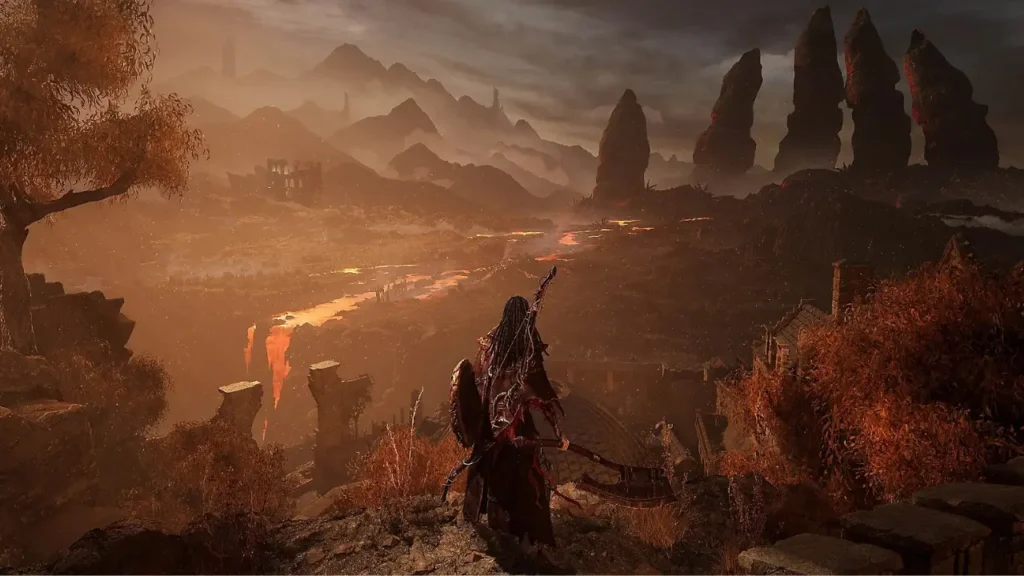
Lords of the Fallen fully allows solo gamers to enjoy their journey completely offline. You are able to finish the entire story without ever seeing another person. Internet connectivity remains necessary for things like co-op sessions, being invaded, plus those specific shrine rewards that track community progress.
Is Lords of the Fallen Multiplayer, Co-op, or Split-Screen?
Multiplayer shapes much of the Lords of the Fallen experience through seamless co-op and hostile invasions. A friend can join your world and remain there as you progress through Axiom and Umbral. Unlike many games, co-op does not reset after boss fights. PvP invasions also allow direct conflict with other lampbearers.
Co-op is online only in the Lords of the Fallen. You cannot enjoy it offline. Split-screen or local co-op is not supported on any platform. Each player needs their own system and a copy of the game. Difficulty adjusts when another player joins to keep combat demanding.
Also, read Is Insurgency Sandstorm Crossplay? [Updated Details]
Wrapping Up
That clears up the Lords of the Fallen crossplay discussion. Feel free to browse our other crossplay guides when planning future sessions. Keep your weapons ready and your focus sharp as you move deeper into Mournstead. The Dark Crusaders watch closely, and the Rhogar wait for mistakes. Preparation remains the only safeguard in those frozen lands.
Frequently Asked Questions
1. Can Lords of the Fallen crossplay be disabled permanently?
No. Crossplay cannot be locked off permanently. You can disable it manually in the multiplayer settings at any time. If you turn it back on later, matchmaking will again include players from all supported platforms.
2. Are voice and party chats shared between platforms in Lords of the Fallen?
No. The game does not offer a universal voice chat system. Players rely on platform voice services or third-party apps to communicate. Crossplay sessions support gameplay only, not shared in-game voice communication across different systems.
3. Does Lords of the Fallen progress reset in New Game Plus?
No. Character level, gear, and core stats carry forward into New Game Plus. Enemy strength and world difficulty increase instead. This mode focuses on tougher combat rather than wiping progress, allowing experienced builds to face stronger challenges.
4. Is Lords of the Fallen cross-save supported between console generations?
Only within the same platform family. Cloud saves work between consoles like PlayStation 5 systems tied to the same account. Progress does not move between different brands, such as PlayStation to Xbox or PC.
5. Can split-screen players join online sessions in Lords of the Fallen?
No. Split-screen play is not supported. Each player needs a separate system and game copy. Online sessions only work through individual devices, which keeps performance stable and avoids shared-screen limitations.
6. Does latency differ between PC and console players in Lords of the Fallen?
Latency depends more on server distance than platform type. The game balances input timing across systems. Mixed-platform sessions usually feel stable, with connection quality playing a larger role than whether a player uses PC or console.