When your friends join the lobby, I feel like Call of Duty games become an instant obsession. You line up squads across devices for quick drops. But is Black Ops Cold War crossplay even possible IRL? The answer sets your next match.
Cold War stands apart from the rest of the Black Ops franchise by focusing heavily on genuineness and offering a truly punishing “realistic” difficulty. Woods leads dangerous special ops while struggling with harsh Vietnam memories. Level design features a constant shift between wide-open battles and cramped interiors. You select your perfect loadout based on the desired combat speed. Furthermore, your campaign progress grants permanent unlocks that enhance your multiplayer experience.
Hold on, though! Is Black Ops Cold War crossplay or are we left to face the “cold” reality of playing alone on our devices? Now is the time to know the real facts. It’s crucial we get expectations sorted out from the very beginning.
Is Black Ops Cold War Crossplay?
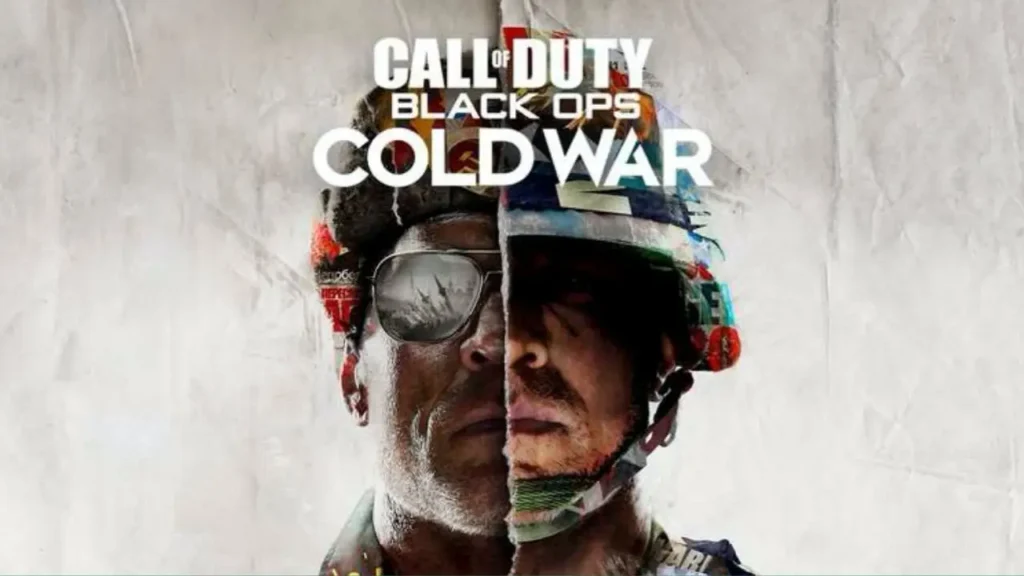
Yes! Black Ops Cold War supports full crossplay across all platforms. PC players match with PlayStation and Xbox users in the same lobbies. This setup keeps queues fast and lets friend groups stay together no matter the device. If you came here from a Black Ops 3 crossplay search, that game never gained the same support, which makes Cold War the better pick for mixed-platform lobbies.
Black Ops Cold War crossplay links everyone through Activision accounts. You add friends across platforms and queue as full teams or solo. The game groups you by skill and input type where needed, yet most modes mix mouse and controller players freely. You can stack a six-player squad with any platform mix.
To enable or disable Black Ops Cold War crossplay, you open the in-game “Options” menu, move to the Account & Network tab, and look for the “Crossplay” setting. You set it to “Enabled” if you want the full pool, or “Disabled” if you prefer to avoid other platforms, then restart search so the change takes effect. Console players sometimes turn it off to dodge PC cheaters, then turn it back on later for faster matchmaking, so it helps to remember what you picked.
Platforms That Support Black Ops Cold War Crossplay
Crossplay feels useful only when you know exactly where it works, and Cold War covers the full modern Call of Duty set. Every current version that still connects to Activision servers sits in the same shared pool when crossplay is on.
- PlayStation 4: Runs the original console version with full access to crossplay and cross progression through Activision IDs.
- PlayStation 5: Uses a native or upgraded build with better performance but still talks to PS4, Xbox, and PC players through the same system.
- Xbox One: Connects to the shared pool with crossplay and supports progression sync through your Activision account.
- Xbox Series X: Plays the next-gen build with performance boosts and joins the same crossplay lobbies as all other platforms.
- Xbox Series S: Matches Series X features in a lighter package, still inside the full crossplay and cross progression ecosystem.
- PC Battle.net: Hooks into crossplay through your Activision profile, with keyboard or controller support.
- PC Steam: Newer PC route that still talks to the same crossplay backend once linked to the same Activision account.
Also, read Is Everybody’s Golf: Hot Shots Crossplay Supported? (Explained)
Does Black Ops Cold War Support Cross-Save?
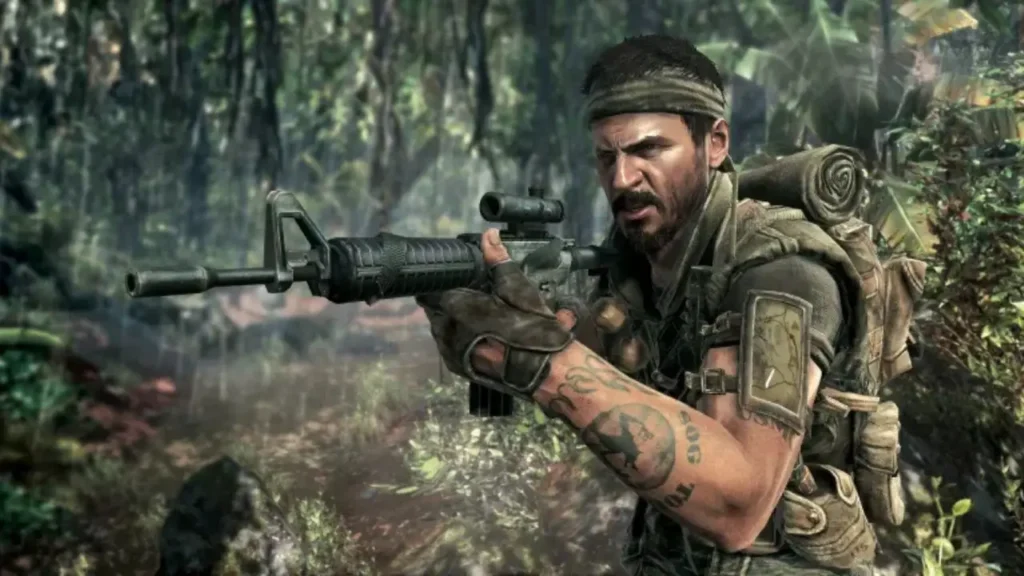
Yes, Black Ops Cold War uses your Activision login for easy cross-save functionality. That keeps all your key assets safe. Your player level, weapon ranks, operators, cosmetics, and Battle Pass tiers travel with that central account, independent of the console.
The setup they use means your progress is safe when you swap from PS4 to PS5 or Xbox One to Series X. If you get the game on PC too, just log into the same Activision profile to share your profile. Keep in mind that some cosmetic items are device-specific, but your all-important core stats and unlocks transfer between Multiplayer and Zombies without fail.
Is Black Ops Cold War Playable Solo or Offline?
Cold War works well as a solo game. You can finish the campaign start to finish with no partner, and you can load bot lobbies in Multiplayer or local Zombies to practice routes or just relax.
Offline options exist on consoles for local play. Right in the menus, a toggle puts the game offline, which is perfect for setting up local split-screen or bot matches fast. Remember that for crossplay or saving anything online, a stable connection is required afterward.
Is Black Ops Cold War Multiplayer, Co-op, or Split-Screen?
Cold War lands as a full competitive Multiplayer title with 6v6 core modes and regular playlists. Crossplay works across all of that, so you can carry one squad through Team Deathmatch, Domination, and other modes without caring about hardware borders.
Co-op works mostly in Zombies and Dead Ops Arcade. You and up to three friends fight through maps like Die Maschine and Firebase Z, share salvage, craft field upgrades, and chase long runs or easter eggs together. Crossplay stays active here too, which makes it much easier to fill a four-person squad late in the game’s lifecycle.
For local play, split-screen works for Multiplayer and Zombies on consoles, but just keep the restrictions in mind. You can plug the second controller in right at the lobby, log in your buddy or a quick guest profile, and share the gaming screen on all PS4, PS5, Xbox One, or Series systems. PC does not support split-screen, so desktop players rely on online squads only.
Also, read Is Wobbly Life Crossplay Supported: Everything You Need to Know!
Wrapping Up
Look at that! We finished the whole Black Ops Cold War crossplay query without any mumbo jumbo and kept every shot on target. The game lets you bring a crew together across PC, PlayStation, and Xbox, tie your grind to one Activision account, and still kick back on the sofa for split-screen matches on console when the mood hits. If that clicks with you, roll through our other crossplay articles like you move through lanes on Moscow, swap loadouts, and keep stacking wins with clean info instead of rumors.
Frequently Asked Questions
1. Does Black Ops Cold War crossplay work in Zombies as well as Multiplayer?
Yes, Activision confirms crossplay works in Zombies and Multiplayer, so mixed-platform squads can run both modes together.
2. Can you disable crossplay just for one mode in Black Ops Cold War?
No, the crossplay toggle in the Account & Network settings applies to the whole game; you cannot keep it on for Zombies but off for PvP.
3. Does crossplay in Black Ops Cold War match keyboard users against controller users?
Yes, the game mixes input types in public lobbies, though consoles allow you to disable crossplay if you feel more comfortable in a pure console pool.
4. Does Black Ops Cold War support LAN play without servers?
Community guides describe LAN-style options through offline local play, but full LAN with separate consoles on one network still routes through standard lobbies, not a pure LAN browser.
5. Can you carry Warzone progress into Black Ops Cold War?
Your overall rank and battle pass progress share the same system with Warzone, but weapon unlocks and some content stay tied to their origin games.