Many players love teaming up in Dead by Daylight with friends across different devices, but sometimes crossplay stops working out of nowhere. The Dead by Daylight crossplay not working issue can completely ruin that fun multiplayer game you planned. Nothing feels worse than seeing your connection fail while everything looks fine, especially when your friends are waiting for you on another platform.
It is incredibly annoying when you’ve attempted every fix but remain unable to connect with friends in Dead by Daylight. It always feels like this problem becomes worse after a patch or maintenance period. Players often waste time rebooting their game, only to see the same persistent “unable to join” error.
In this article, I will explain why Dead by Daylight crossplay not working happens for most people. Then I will provide reliable fixes that have helped many players get back online. You’ll finally connect with friends without guesswork.
Why is Dead by Daylight Crossplay Not Working?
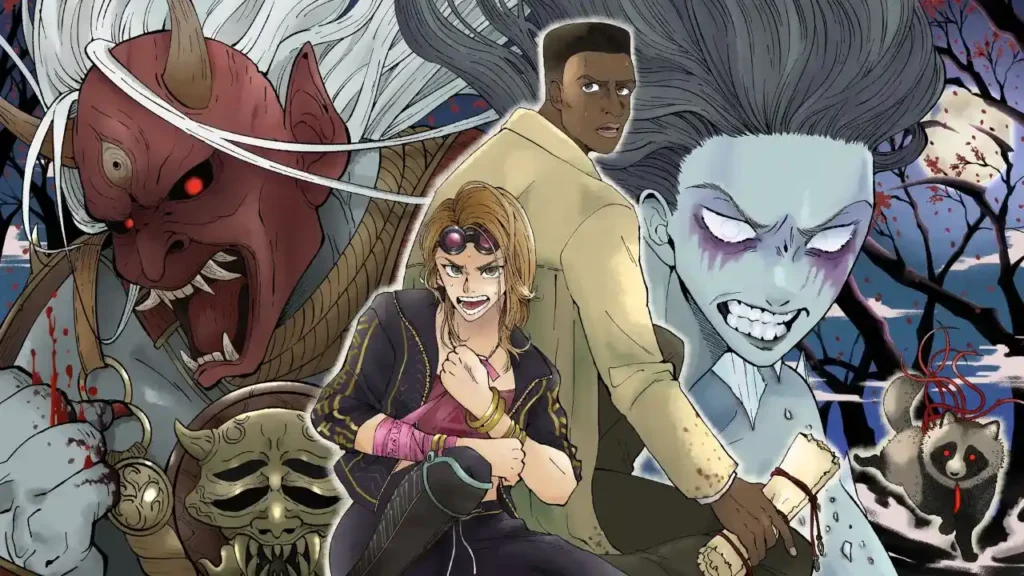
The Dead by Daylight crossplay feature runs well most of the time. Yet, one small, technical blunder can still mess up your connection. Thankfully, the answer for what to fix often becomes obvious the moment you look closely. Here is a list of the most common reasons before heading to the solutions.
1: Crossplay Feature Turned Off
Dead by Daylight lets you turn crossplay on or off. If the feature is disabled in your settings, you lose the ability to join anyone on another platform. Games can reset crossplay after updates or bugs, so you should check this first if you cannot match up with friends.
2: Server Outages or Maintenance
Since Dead by Daylight uses live servers for cross-platform matches, any Behaviour Interactive maintenance will cause crossplay to go down for the entire player base. Sudden outages or server spikes can also block connections and prevent matches until service is back up.
3: Platform Account Issues
You need to link and use the correct platform accounts for crossplay to work. Profile errors, expired credentials, or corrupted logins easily stop the game from verifying your access. Sometimes, password changes or account security sync failures block outside network connections.
4: Version Mismatch Between Platforms
All players must use the exact same game version for crossplay to work smoothly. If you update Dead by Daylight and your friends are still on an older build, or vice versa, connections fail every time until versions are aligned. Switch and Xbox sometimes lag behind patch releases.
5: NAT Type or Network Restrictions
Dead by Daylight multiplayer needs an open internet connection. Strict NAT types, firewalls, or network restrictions block you from joining matches with friends on other platforms. These network problems show up more on console or school or work networks.
6: Bugged Crossplay Cache or Temporary Glitch
Corrupted cache or temporary file bugs sometimes break crossplay after updates or long sessions. Closing and restarting Dead by Daylight doesn’t always clear these glitches. Players must often reset cache data or power cycle their console or PC to fix the problem.
7: Platform-Specific Restrictions
Dead by Daylight crossplay sometimes depends on each console’s own policy. Sony, Microsoft, or Nintendo could restrict access during special cases. Xbox crossplay, for example, was recently disabled for a period due to issues in July 2025, while Switch players might need extra update patches to re-enable crossplay.
Also, read Skate 4 Crossplay Not Working: Here are the Reasons and Fixes!
How to Fix Dead by Daylight Crossplay Not Working?
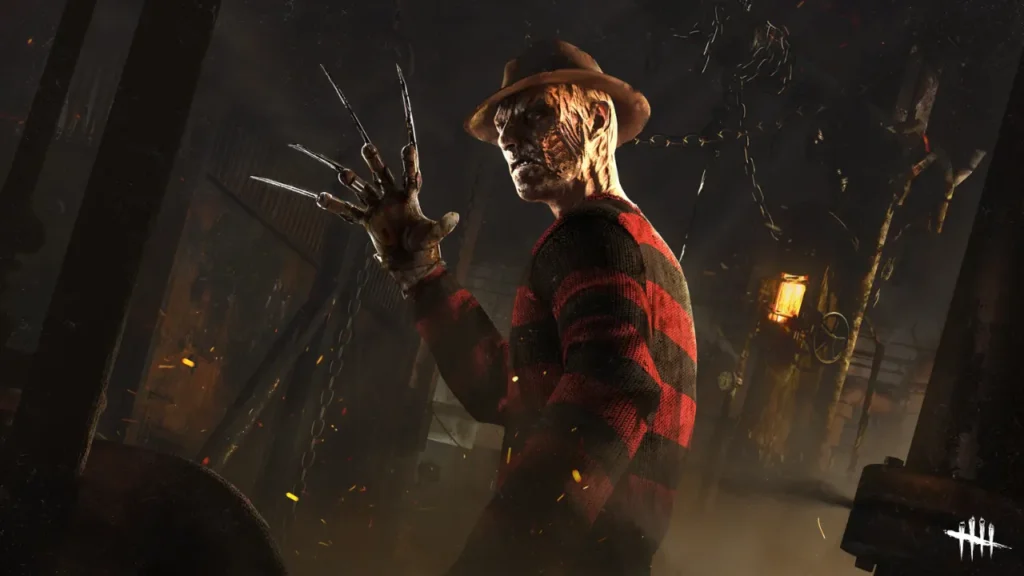
Great, you found the problems! Now, fixing Dead by Daylight crossplay should only take a few minutes. You won’t need technical expertise! Just follow these simple steps and try each fix in order until your game connects again:
1: Enable Crossplay in Game Settings
Open Dead by Daylight and head to the settings menu. Look for the crossplay toggle. If it’s turned off, switch it back on and confirm changes. Restart the game afterwards to refresh your multiplayer options and check if friends appear.
2: Check Server Status
Go to Dead by Daylight’s official pages or trusted outage sites like Downdetector. If servers are offline due to maintenance or an outage, you’ll need to wait for developers to finish repairs before crossplay returns. Server issues are common after new updates.
3: Verify Game Version
Check your Dead by Daylight game’s version number and compare it with your friends. Everyone must run the same build for crossplay to work. Update Dead by Daylight if yours is outdated and ask your group to do the same before trying to join any lobbies.
4: Relink Your Platform Accounts
Sometimes account sync is lost after password changes or security resets. Log out from your console or PC account, relink it, and restart the game. This step helps Dead by Daylight authenticate your account and restore crossplay privileges.
5: Restart or Reset Your Network
Power off your router, modem, and device for a few minutes. Restart them to refresh your connection and eliminate NAT restrictions. If your network remains strict, try connecting over a wired link or switch to a different network for better results.
6: Clear Cached Game Files
Dead by Daylight can store old cache files that block connections. On console or PC, locate the folder holding saved config or temp files and delete the cache. Start the game again and test for crossplay matches.
7: Reinstall or Repair the Game
If you still can’t join friends, uninstall Dead by Daylight and reinstall a fresh copy from your store or library. On PC, repair game files through Steam or Epic settings. Reinstalling often fixes deep-rooted bugs that normal resets cannot.
Also, read How to Fix Apex Legends Crossplay Not Working in 9 Easy Steps?
Wrapping Up
That is all about about the reasons and fixes for the Dead by Daylight crossplay not working. Crossplay problems usually come from small account setup mistakes or mismatches in updates that most players can fix without outside help. Check your game settings and update Dead by Daylight regularly, as most problems clear up fast with a quick fix or official server patch.
Frequently Asked Questions
1. Is crossplay available for all Dead by Daylight platforms?
Yes. Dead by Daylight supports crossplay across PC and supported consoles. But everyone must have the feature enabled.
2. Why does my friend disappear from my crossplay friends list?
Your friend may have disabled crossplay, use an outdated version, or need to relink their account.
3. Can server downtime block crossplay in Dead by Daylight?
Definitely. Whenever servers go down for updates or fixes, crossplay connections break until service resumes.
4. Do I need a Behaviour account for crossplay matchmaking?
Behaviour account is not required for basic crossplay, but having one simplifies adding friends and managing settings.
5. Will reinstalling Dead by Daylight erase my progress?
It shouldn’t. Player profiles and progression are saved online, but always backup local config files if possible.
6. Why does crossplay break after major game updates?
Updates roll out at different times for each platform, so you must wait until everyone receives the patch and matches game versions.
7. Can console restrictions block Dead by Daylight crossplay?
Yes, sometimes Microsoft, Sony, or Nintendo impose restrictions. Watch official announcements if crossplay disappears unexpectedly.